How do I create a VMA membership and log into my account?
Creating Your Membership:
1- Navigate to the VMA homepage and click on the SIGNUP NOW! button located in the top navigation bar.
2- Fill in your professional credentials, ensuring your email address is active for verification.
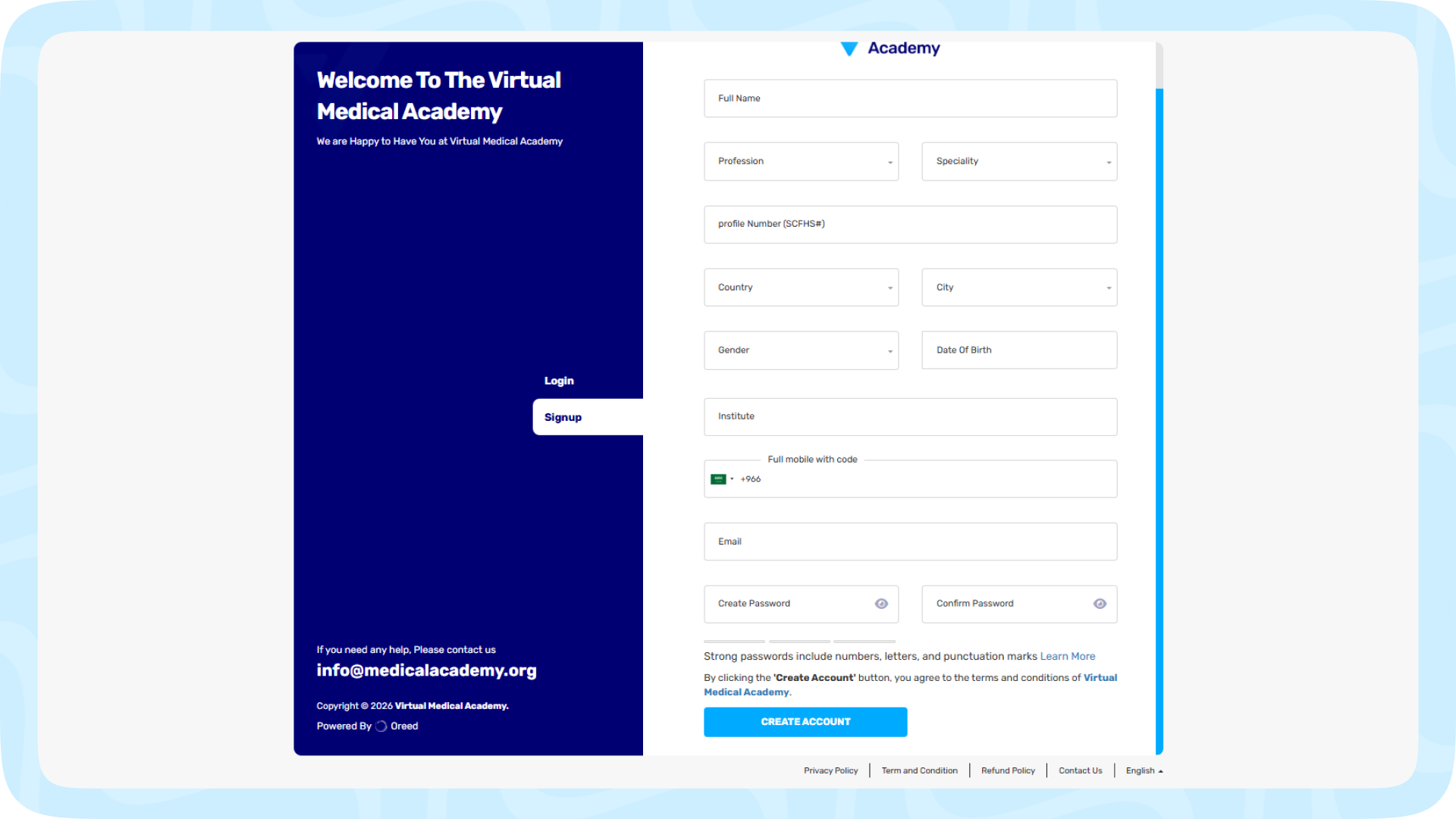
3- Click Create Account to finalize your registration and activate your account.
Logging In:
1- Click the LOG IN button on the homepage.
2- Enter your registered email address and password.
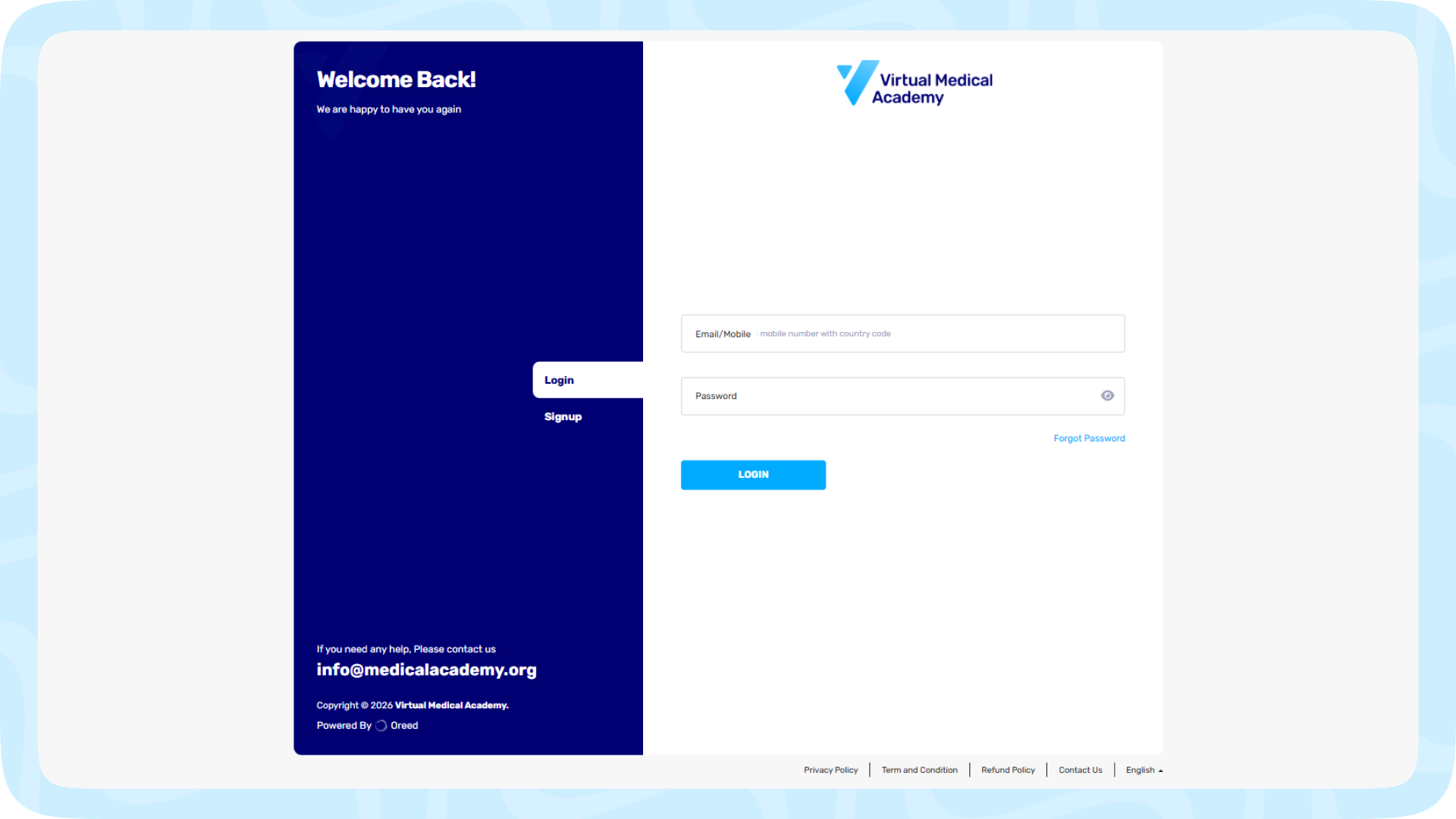
3- Click LOGIN to access your dashboard and continue your learning pathways.