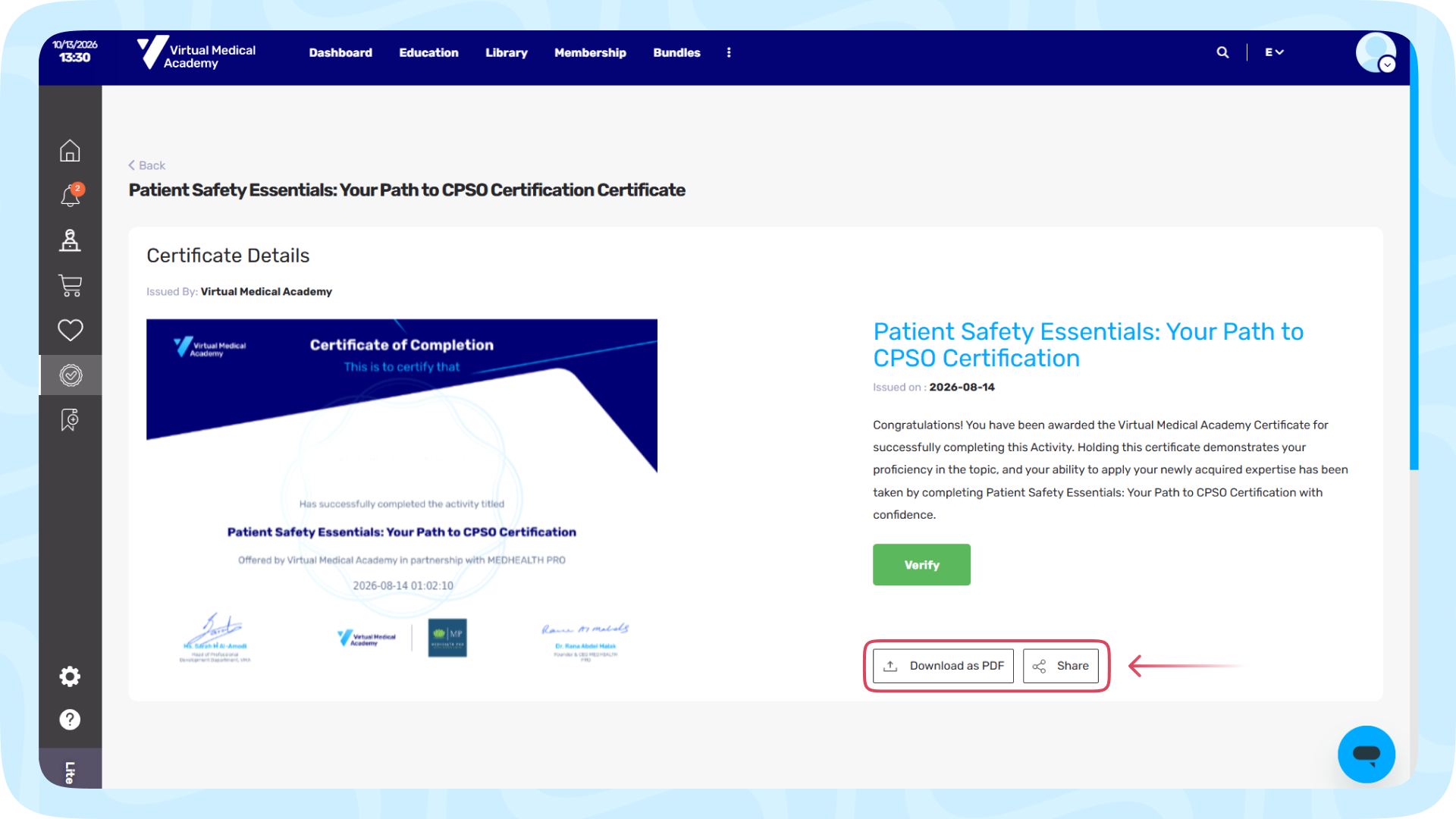

We provide accredited certificates and continuing education hours to help you meet your professional development requirements on solid ground.
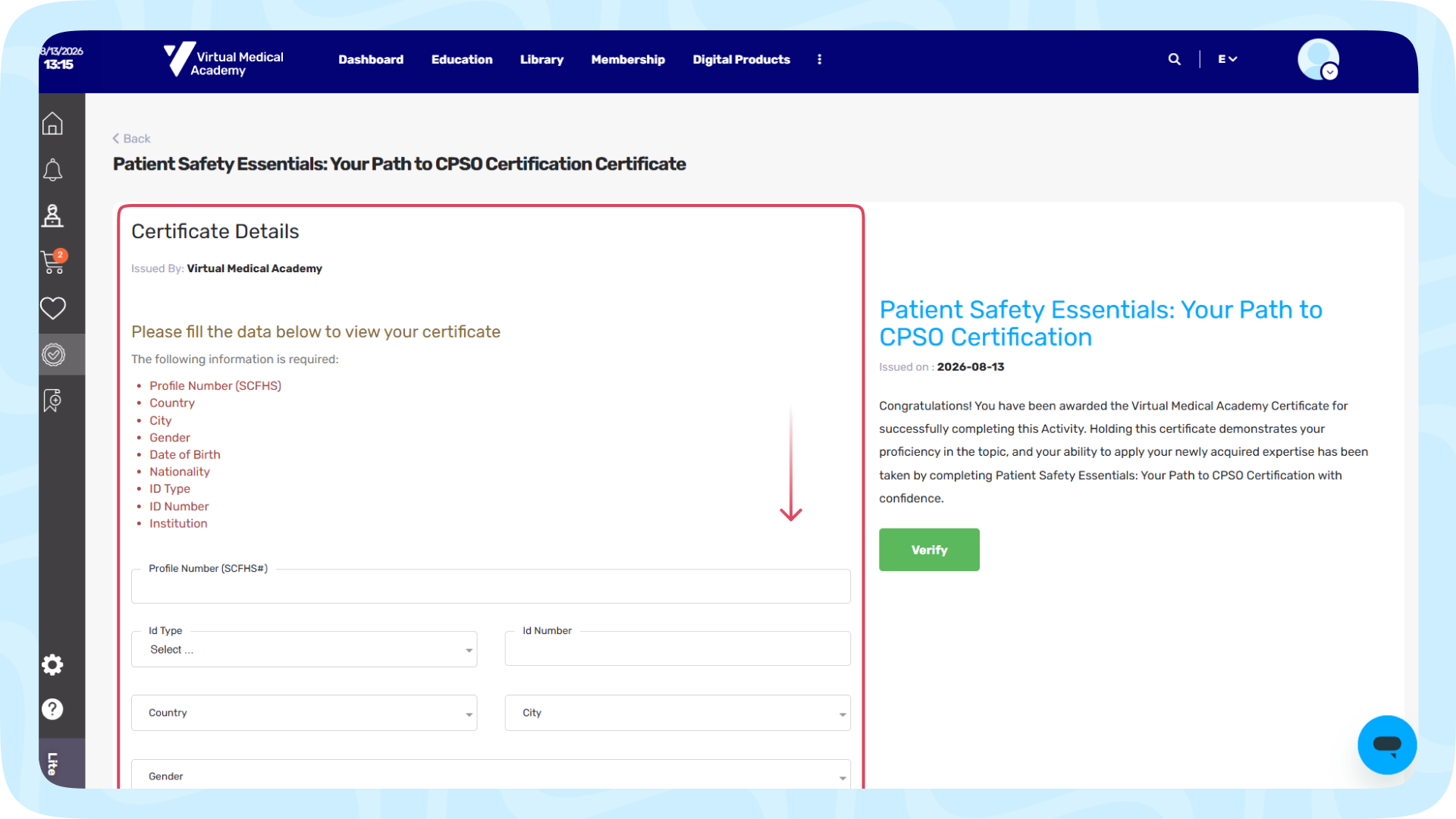
Once you have completed 100% of the activity requirements and attended the scheduled sessions, an official confirmation notification and certificate link are automatically sent to your registered email address. Additionally, your digital certificate remains permanently available in your VMA learner dashboard for direct download as a PDF at any time.
1. Available Certificates & CME Hours
- Certificates: A downloadable digital certificate of completion featuring the official VMA logo, the organizing institution, the accreditation number, and your training hours.
- CME/CPD Hours: Official continuing professional development hours accredited by the Saudi Commission for Health Specialties (SCFHS) for targeted healthcare practitioners.
2. When and How to Get Your Certificate
Step 1: Complete 100% of the Course Units
You must watch all recorded modules or attend the scheduled live sessions. Once your progress reaches 100%, click the "Finish Learning Journey" button located at the bottom of the course player page to register your course completion.
Step 2: Check the "Certificate" Tab
- If requirements are incomplete: Opening the Certificate tab will show the status: "A percentage of units must be completed", and the download option will be hidden.
- If requirements are complete (100%): The status under the Certificate tab will change to "Issued", and a "View Certificate" button will appear under the action column.
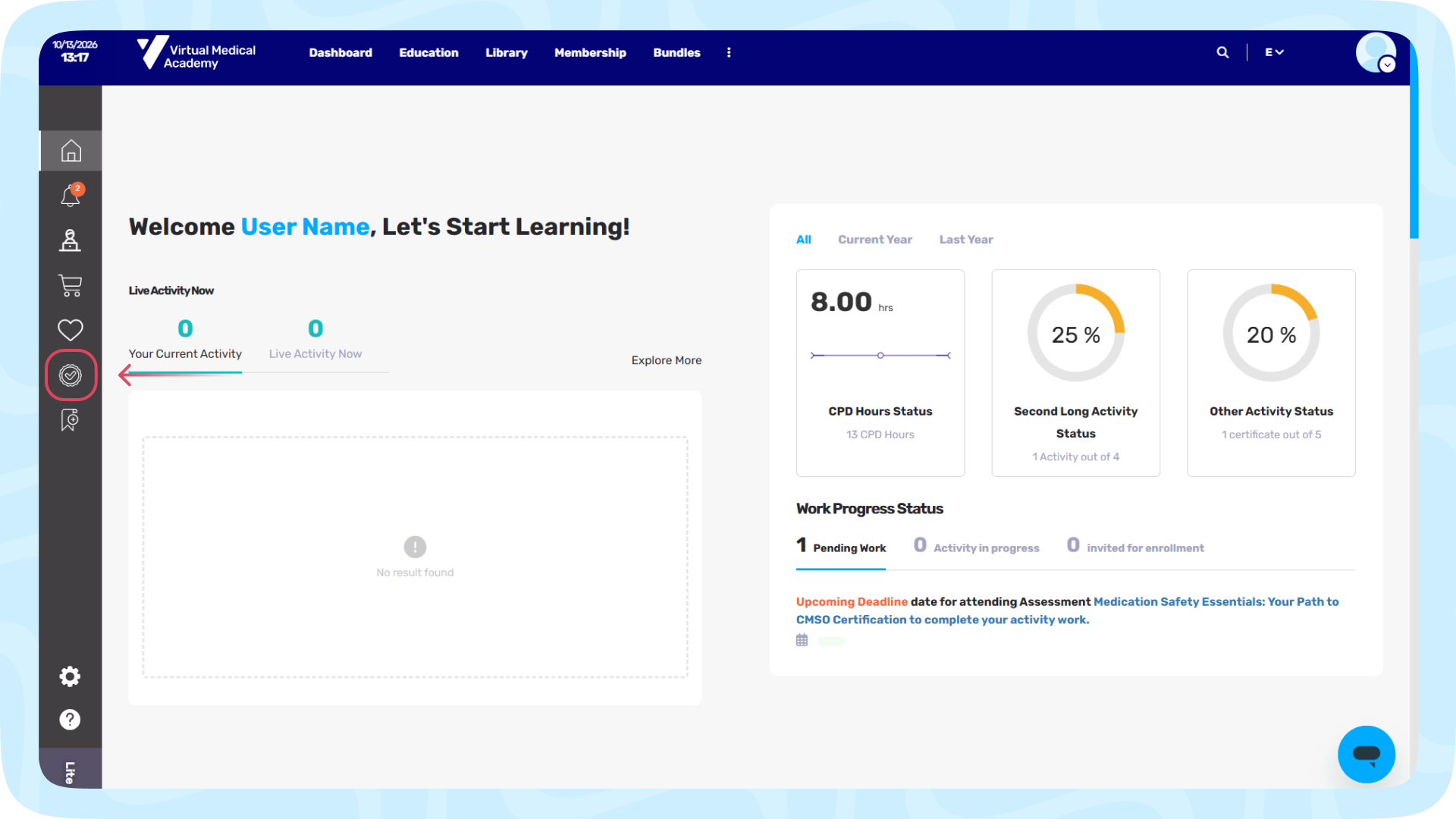
Step 3: Fill Out the Verification Form
Clicking "View Certificate" will open a Certificate Details.
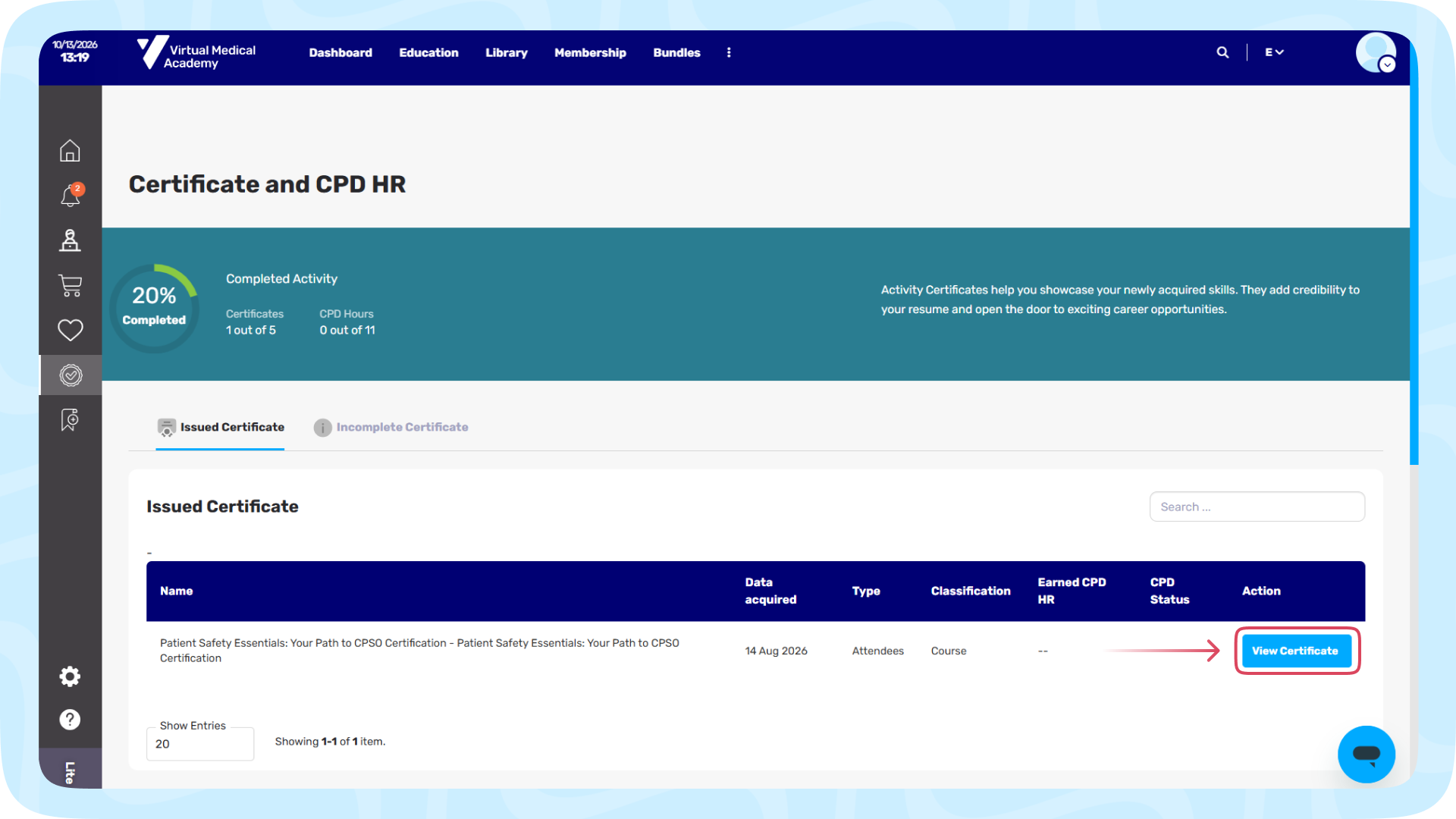
To comply with professional standards and SCFHS requirements, you must accurately fill in these mandatory fields:
- Profile Number (SCFHS#): Your Saudi Commission classification number.
- ID Type & ID Number: (National ID or Iqama).
- Country & City
- Gender & Date of Birth
- Nationality & Institute (Workplace)
Click the "Save" button. Your verified PDF certificate will be generated instantly and is ready to download.
3. Reporting CME Hours to Mumaris Plus (SCFHS)
- Automatic Upload: VMA is directly linked with the SCFHS database. Once you complete the course requirements and save your verification details, your accredited CME hours are automatically reported to your Mumaris Plus account within 24 to 48 hours from the event's completion.
- Verification: Ensure that your name in English, ID number, and SCFHS registration number on VMA match your SCFHS record exactly to prevent automated upload errors.